 spinzester
A music-discovery app for community radio. Browse playlists from 350+ non-commercial stations on Spinitron and play full songs through your Apple Music subscription. Save what you find as Apple Music or Qobuz playlists. Free, no ads.
spinzester exists as a fan tribute to the website spinitron.com. Spinitron allows “non-commercial community and educational radio stations” (think left-of-the-dial eccentricity) to log playlists. These are used for stations’ royalty reporting requirements and to provide Now Playing lists and show archives on their websites.
Spinitron also provides a database of “spins” from 350+ non-commercial radio stations. They compile weekly Top 100 Charts from this data and make the database available for public search.
Spinitron’s customers are radio stations who use the management software, and artists, promoters, and record labels who use the database.
What’s in it for you as a music listener? Nothing short of traveling through space and time from the comfort of your couch.
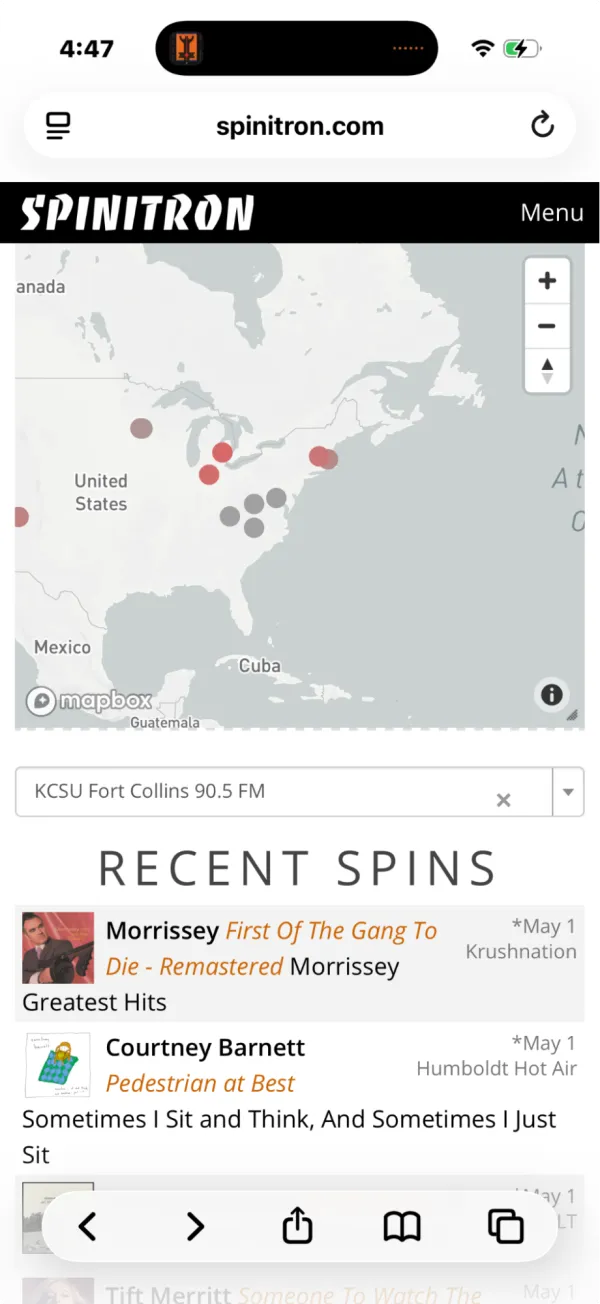
Let’s start with the home page. RECENT SPINS jumps out at you — a live view of the data going into the Spinitron database. A DJ somewhere just played that song. Where? Station call letters are on the left of the song info. See something you like or that piques your curiosity? Click the link to go to the playlist containing that song.
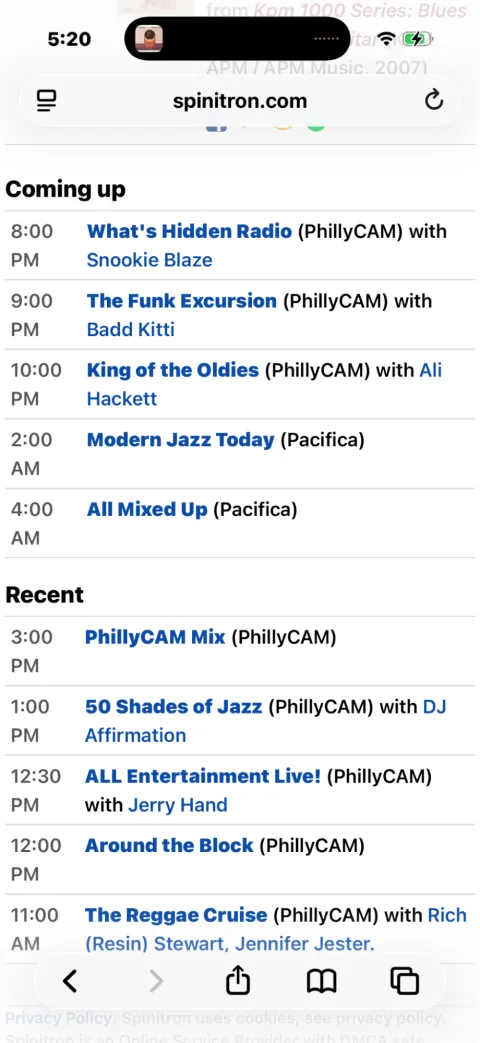
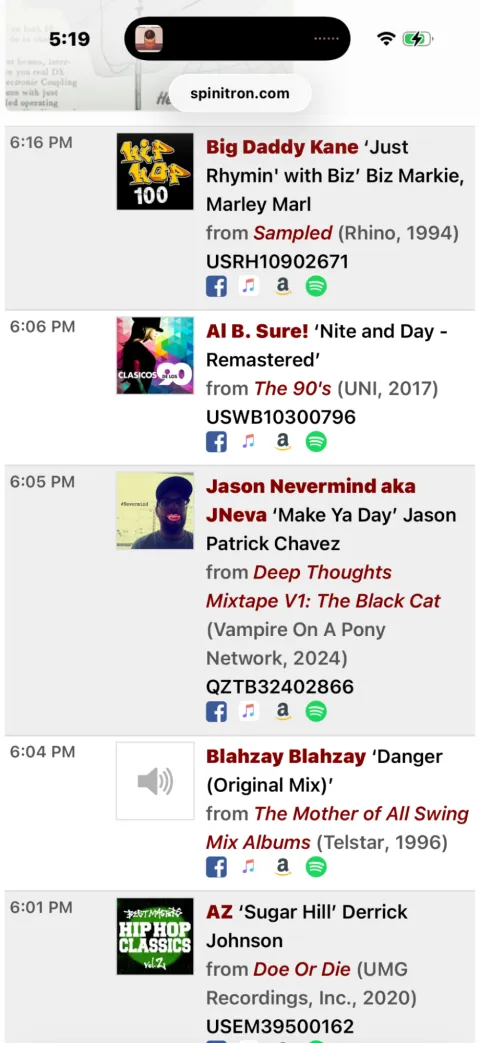
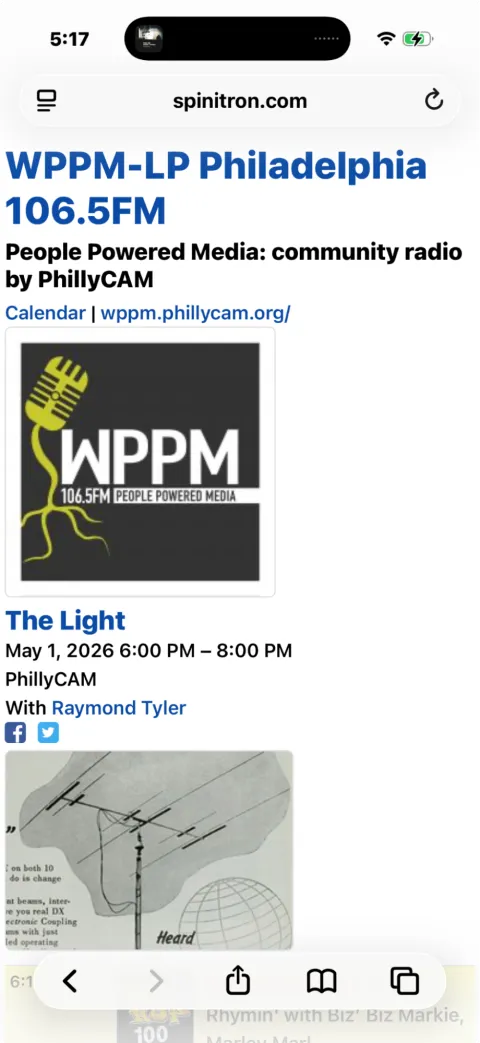
On many pages you will also be able to access playlists from past episodes and see what other programs are available on that station.
What does spinzester add? Spinitron’s playlist pages are designed for embedding in station websites, so navigation between them can feel quirky — and previews cut off at 30 seconds, so you can’t actually listen to the playlists you find. spinzester stays true to the quirky vibe of spinitron.com but allows you to:
- easily navigate back and forth among playlists
- play full songs using your Apple Music account
- save a playlist to Apple Music or Qobuz
Along the way, it fixes minor issues to make your overall browsing and music discovery process smoother and more enjoyable.
Try it on TestFlight
spinzester is in beta. Tap (or click) below to install via Apple’s TestFlight app — everything’s free with NO ADS. You’ll need an Apple Music subscription for full song playback.
Open TestFlight